The Constraint
48 hours. A team of strangers. A game that needed to be playable, downloadable, and fun by the end of the weekend.
Most game jams sacrifice usability for speed. Menus that are confusing, HUDs that are cluttered, feedback that's unclear. The conventional wisdom is: ship it, polish later.
We disagreed. As UI Technical Artist, I set out to prove that 48 hours is enough time to build something intuitive — if you make the right decisions fast.
The Team & The Process
Rick McAssKick: Friendship Forever was built by a small team of strangers who met at the jam. Beyond code and design, we wrote and recorded original voice acting — I voiced the main character. The process was as scrappy and human as the game itself.
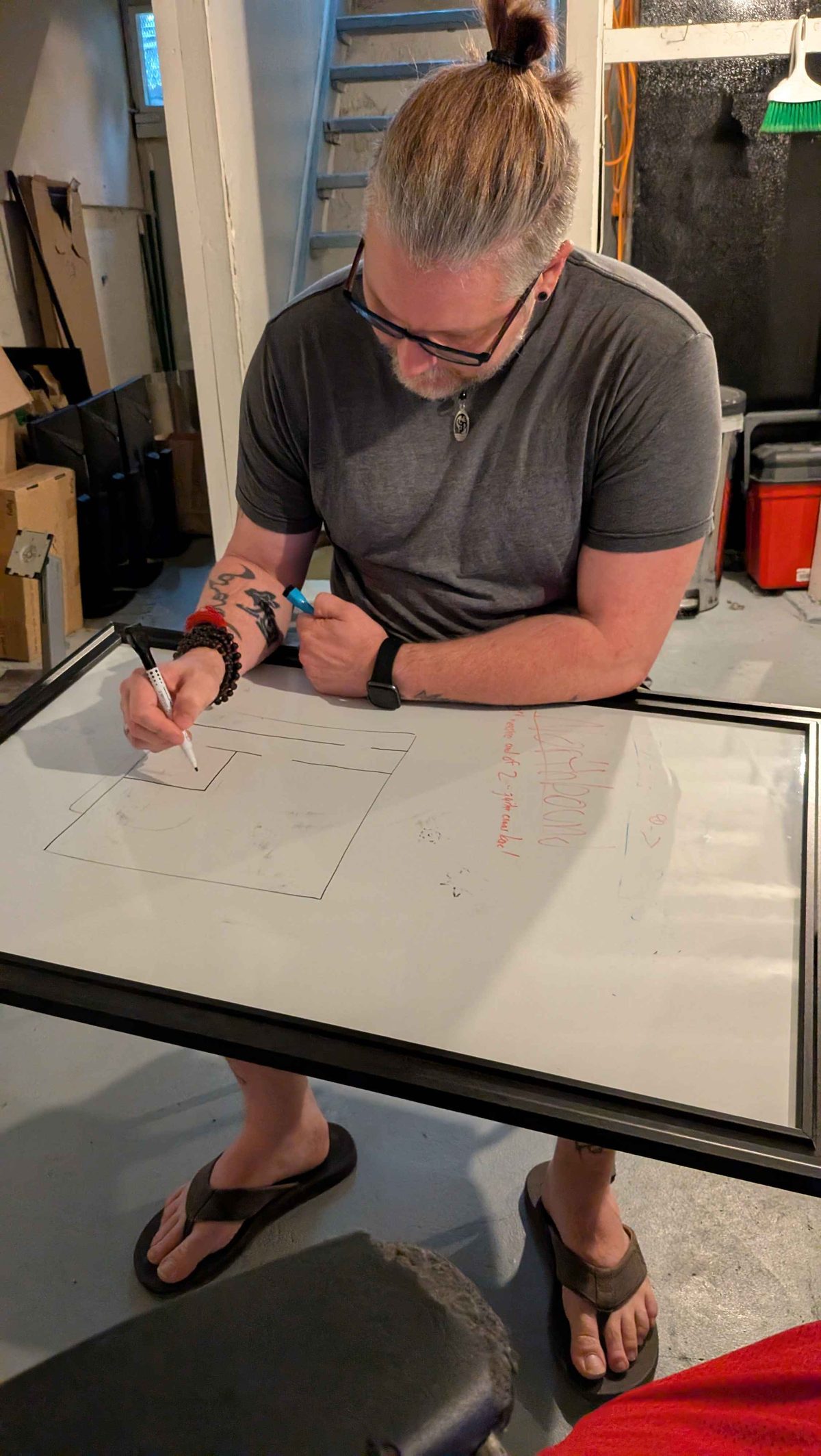
Sketching out puzzle and maze layouts during ideation
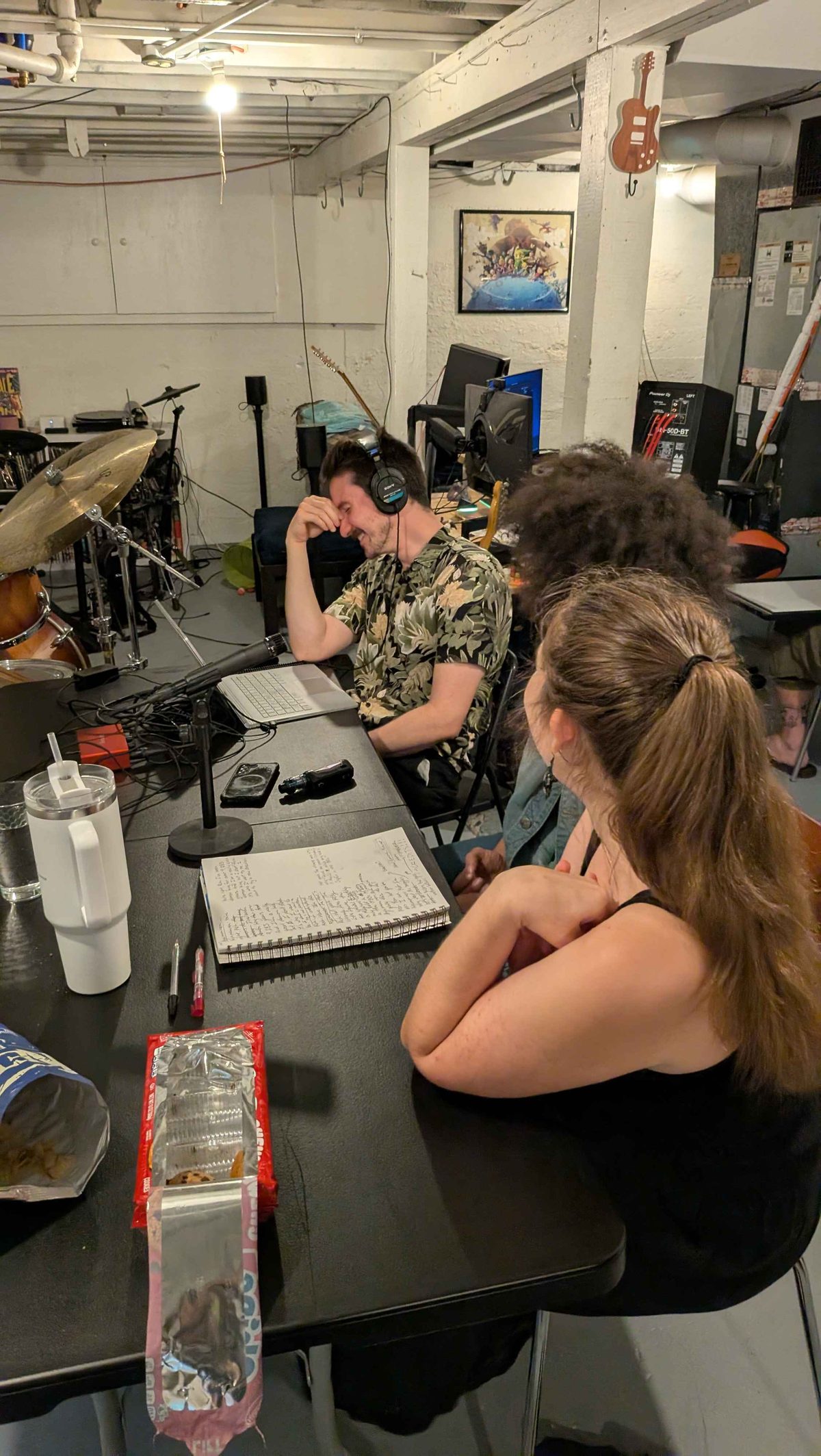
Recording voice acting — notebooks, headphones, deadline energy
The Game
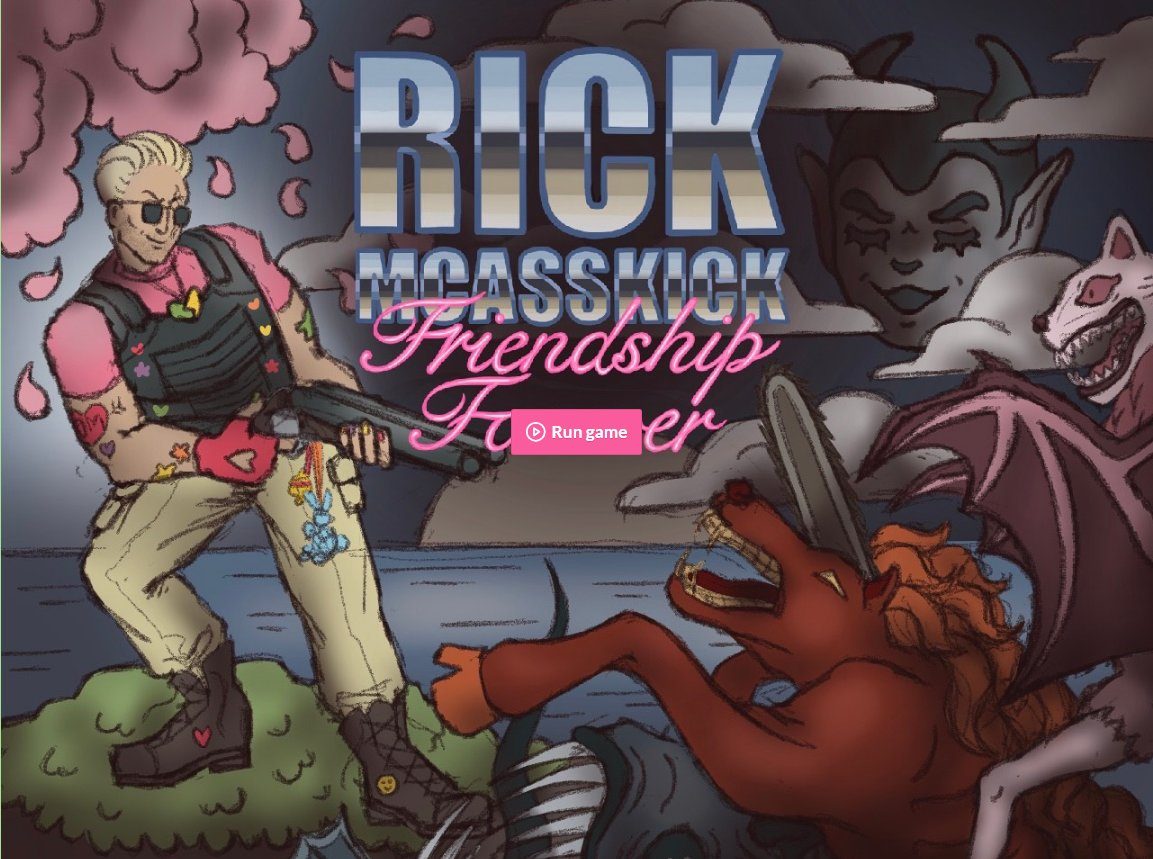
A parody mashup where the player starts in a Doom-like world and transitions into an Animal Crossing-style environment. Two radically different visual languages. Two different player expectations. One coherent UI holding it together.
Early Concept Testing
Early concept footage showing the game taking shape during the jam. Pre-polish, but exactly what iterative development looks like under a 48-hour constraint.
Rapid Research & Constraints
With no time for formal user testing, I leaned on established game design patterns and heuristic evaluation.
Players shouldn't need a tutorial
If someone has to read instructions to understand core mechanics, the UI has failed. Visual affordances need to do the work.
Visual hierarchy prevents paralysis
Too many equally-weighted elements causes decision paralysis. The most important information has to be visually loudest.
Feedback needs to be instant and obvious
In a fast-paced game, delayed or ambiguous feedback breaks immersion. Every action needs a clear response.
Consistency across genre shifts
The game transitions between two visual worlds. The UI needed to stay legible regardless of which world the player was in.
The UI System
I designed and built the full UI in Godot/GDScript — menus, HUD elements, and all interactive feedback systems. One of the key decisions was building a global theme system rather than styling individual elements by hand.
Godot Theme System — Global UI Control
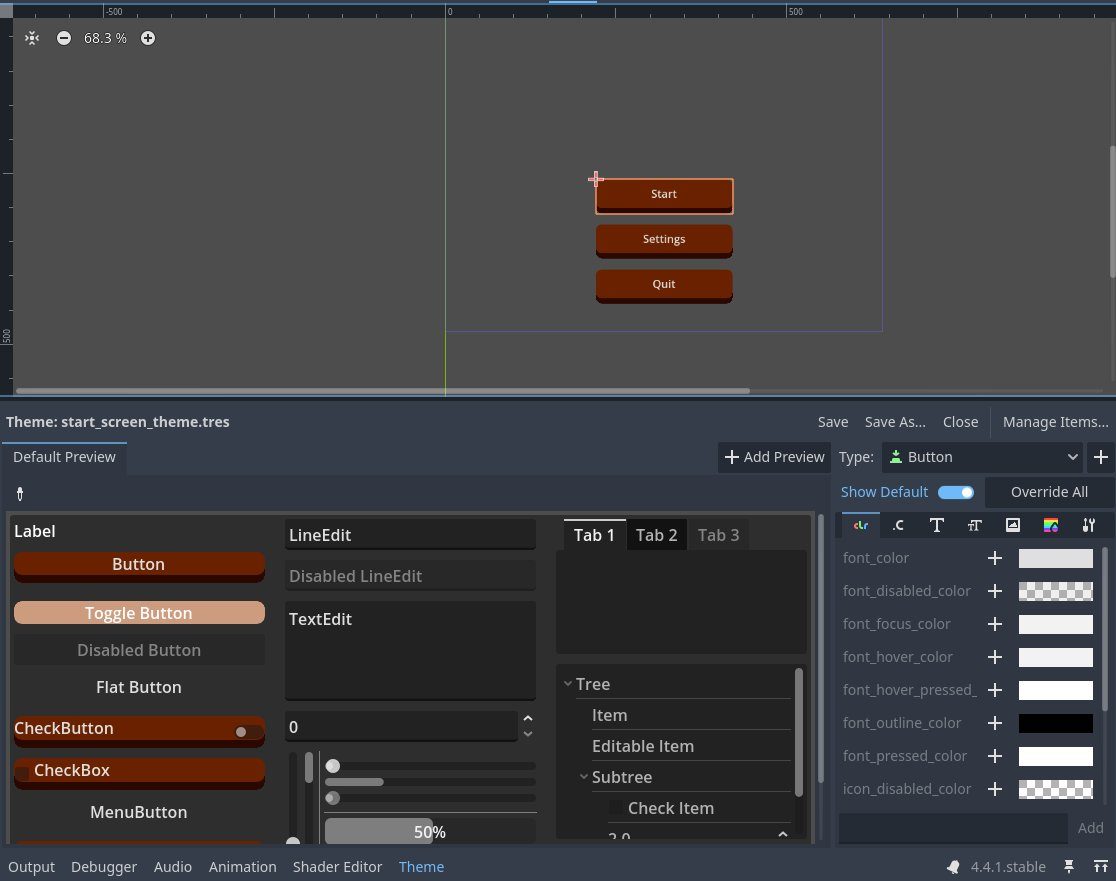
Rather than manually updating every button, label, and interactive element, I built a centralized theme file. Any change to a component — color, font, hover state — propagates across the entire project automatically. The same systems thinking principle behind design component libraries, applied directly in the game engine.
HUD in Action — Early and Later Game States
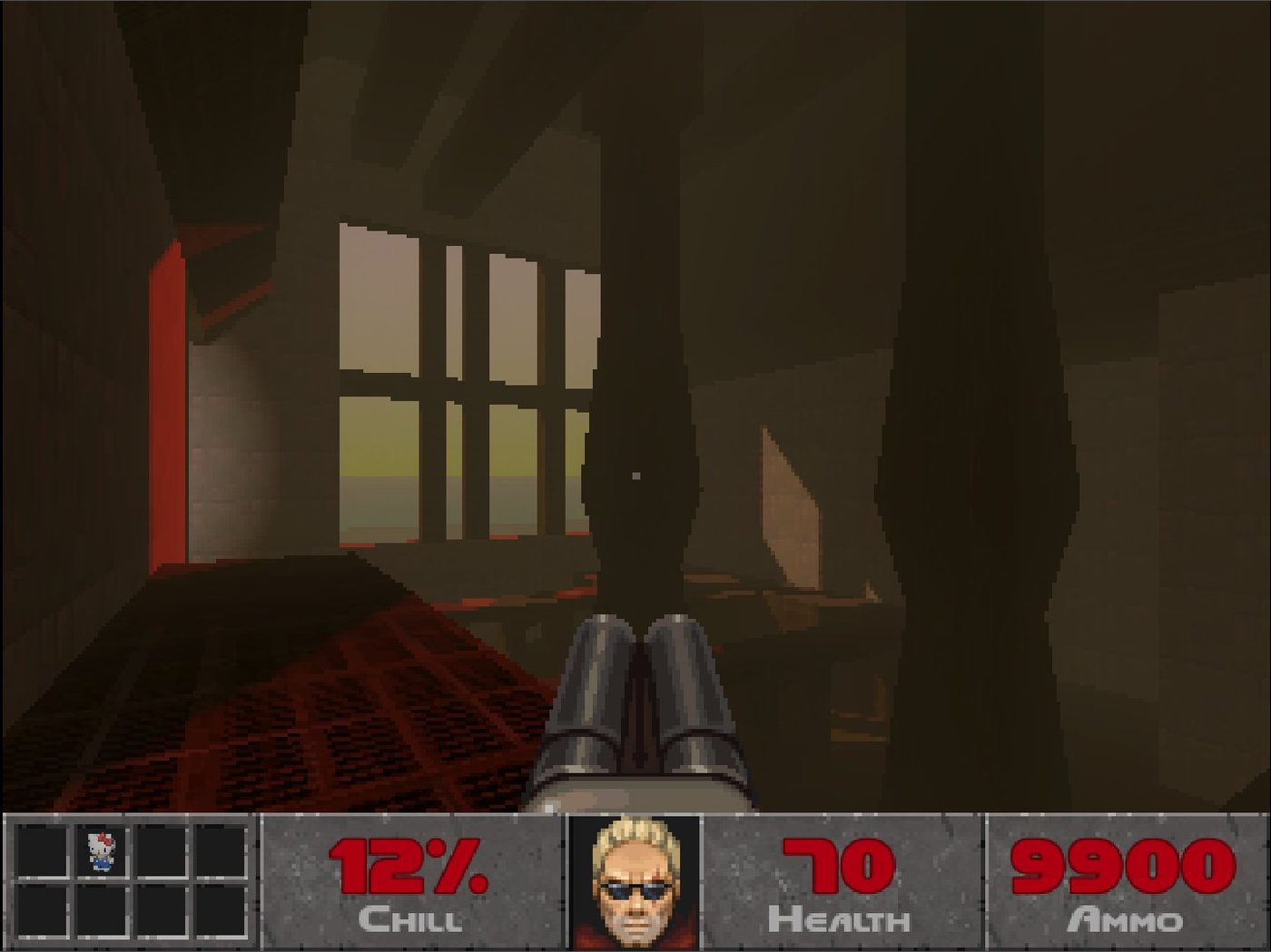
Early game — minimal inventory, Chill meter at 12%
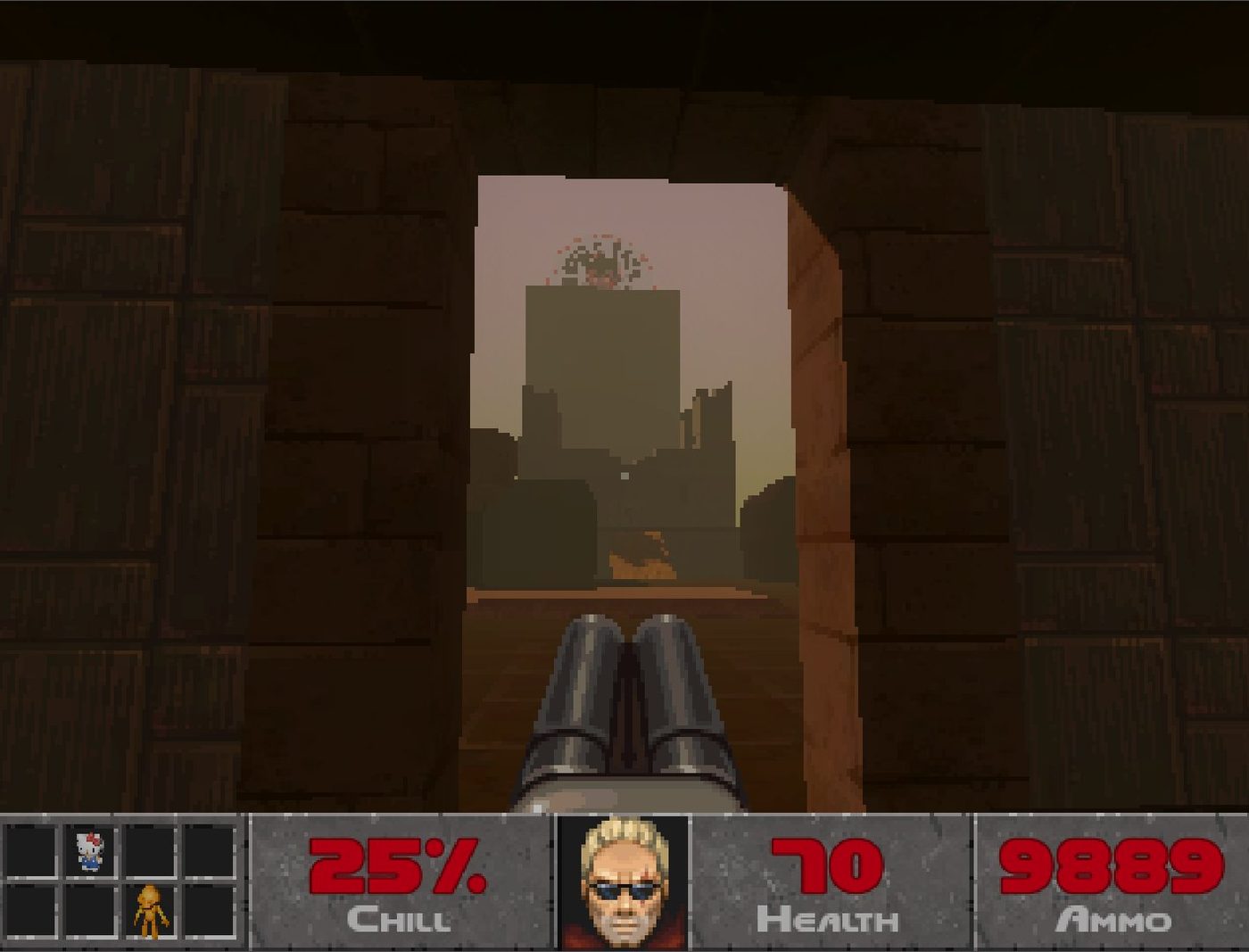
Later game — items collected, Chill meter progressing
The HUD communicates health, ammo, a "Chill" meter unique to the game's mechanics, and inventory simultaneously — without obscuring gameplay or creating cognitive overload. Every element was positioned based on where players' eyes naturally travel during fast-paced play.
Dynamic Feedback — Face Reacting to Damage
The character portrait reacts dynamically to player state. Taking damage, gaining items, and changing zones all trigger visual feedback through the face — giving players an emotional read on their status without breaking focus.
Testing & Debugging — Item Pickup System
Testing footage with console output visible — showing the iterative debugging process during the jam.
Additional Testing Footage
Clear Visual Hierarchy
Critical information always prominent. Secondary information accessible but not competing.
Instant Feedback
Every player action had an immediate visual and audio response. No ambiguity about whether something worked.
Consistent Language Across Genres
Despite the visual shift between game worlds, UI patterns stayed consistent so players didn't have to relearn the interface.
Real-Time Iteration
I watched teammates play throughout the jam, identifying friction points and fixing them in real time.
Impact & Learnings
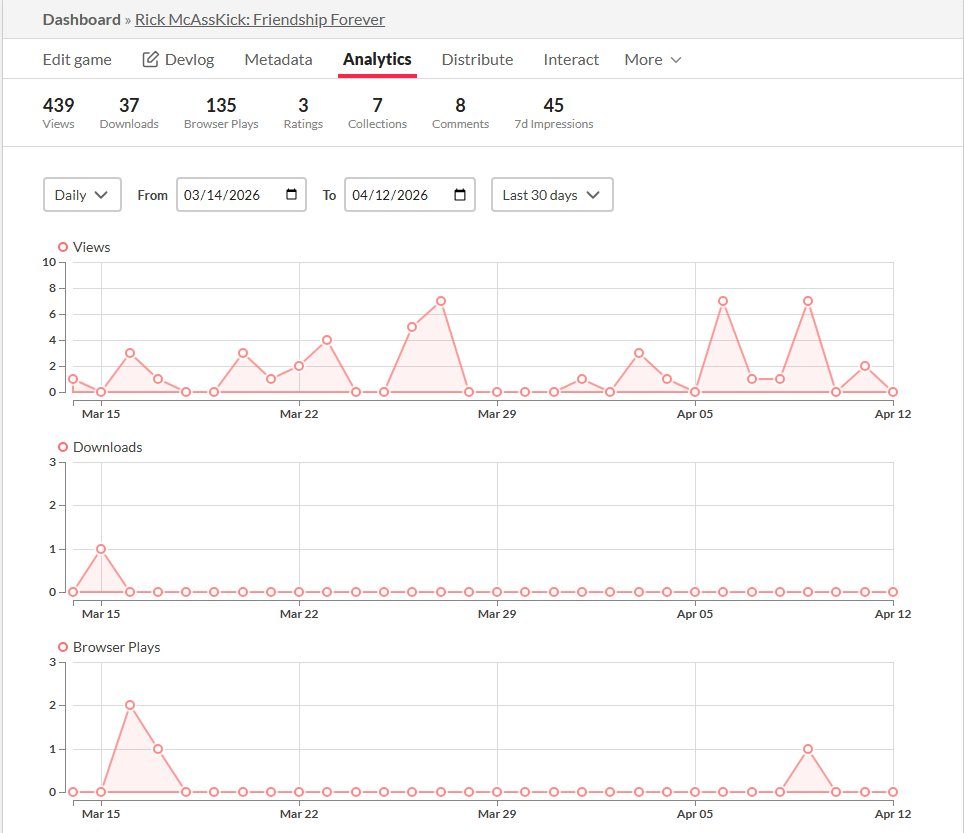
The game reached 439 views, 135 browser plays, and 37 downloads on itch.io — with playtesters specifically calling out how easy it was to jump in without a tutorial. Exactly what we aimed for.
itch.io Analytics
Speed doesn't excuse bad UX
It just requires smarter prioritization. Knowing which decisions matter most — and making those fast — is a skill worth developing.
Heuristics are your friend when you can't test
Established patterns exist because they work. When there's no time for research, lean on what's been proven — then differentiate where it matters.
Playtesting is research
Watching someone play and noting where they hesitate or look confused is usability testing. Context changes, method doesn't.